
Remember
Capture the dream before it fades
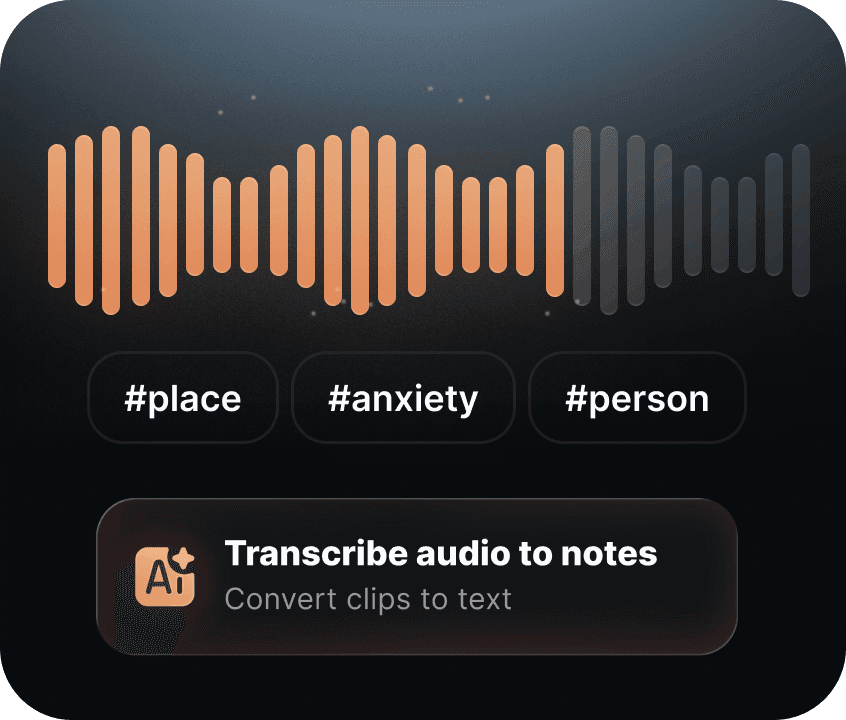
Open your Dream Journal, write or record what you remember, and tag recurring people, places, emotions, and dream signs.
Built Around Better Sleep


A Day with Lucider
Lucider gives each part of the day a purpose: remember in the morning, notice during the day, and prepare at night.
Morning
Capture the dream before it fades
Open your Dream Journal, write or record what you remember, and tag recurring people, places, emotions, and dream signs.
Day
Build awareness while you're awake
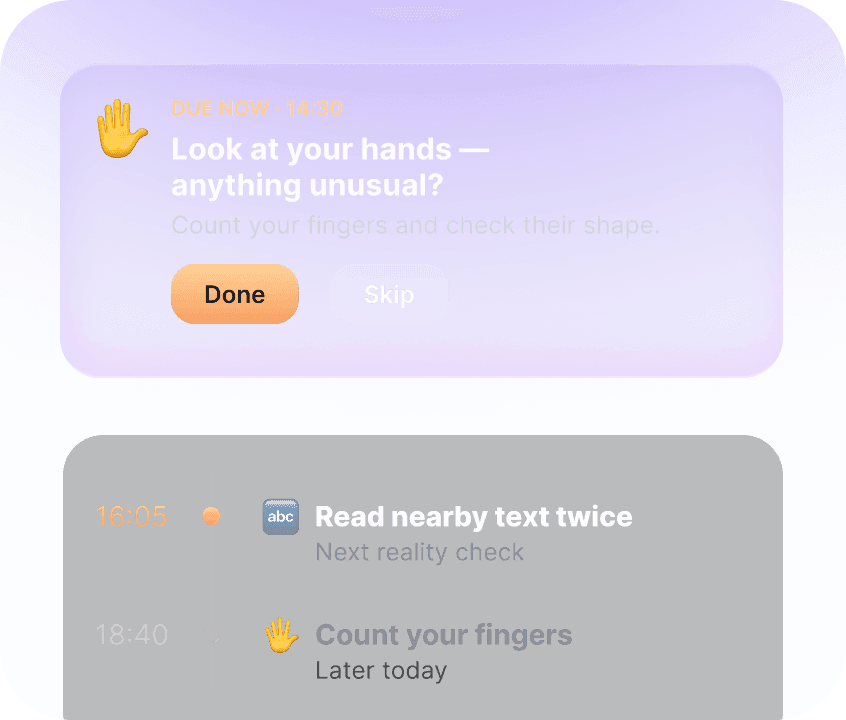
Reality checks turn recurring dream signs into short moments of attention — so awareness has a chance to show up in dreams.
Evening
Set up the night without overthinking it
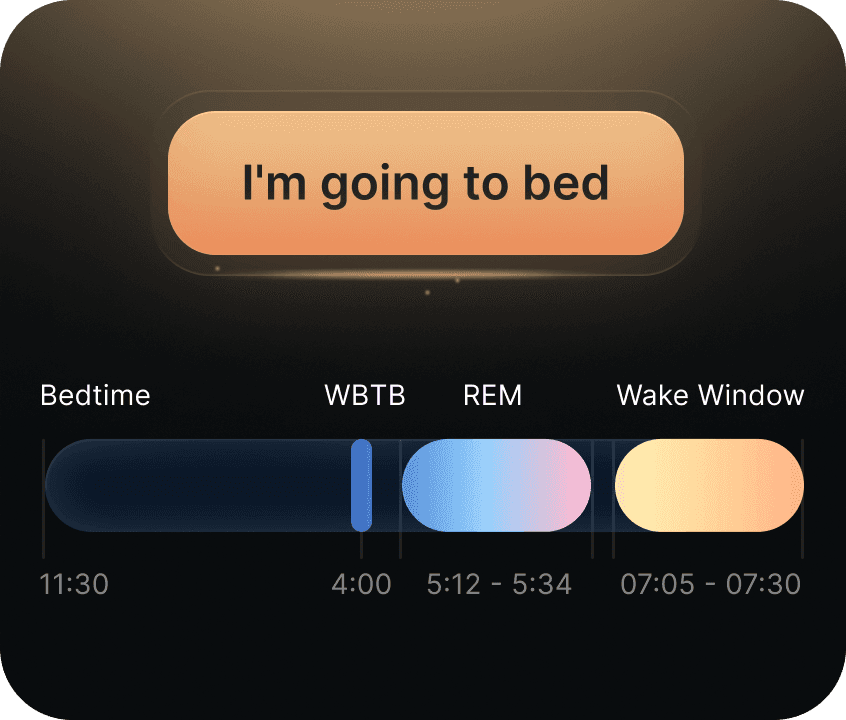
Choose bedtime, WBTB, Smart Wake, and REM signals around your natural sleep instead of forcing a rigid routine.

Your dreams, collected
A strange place. A familiar face. A feeling that stays. Give the details of your dreams a place to live.
Capture
A sentence or a voice note is enough. You don't need a complete story to save it.
Connect
Tag a place, a person or a feeling. Notice what returns as your journal grows.
Revisit
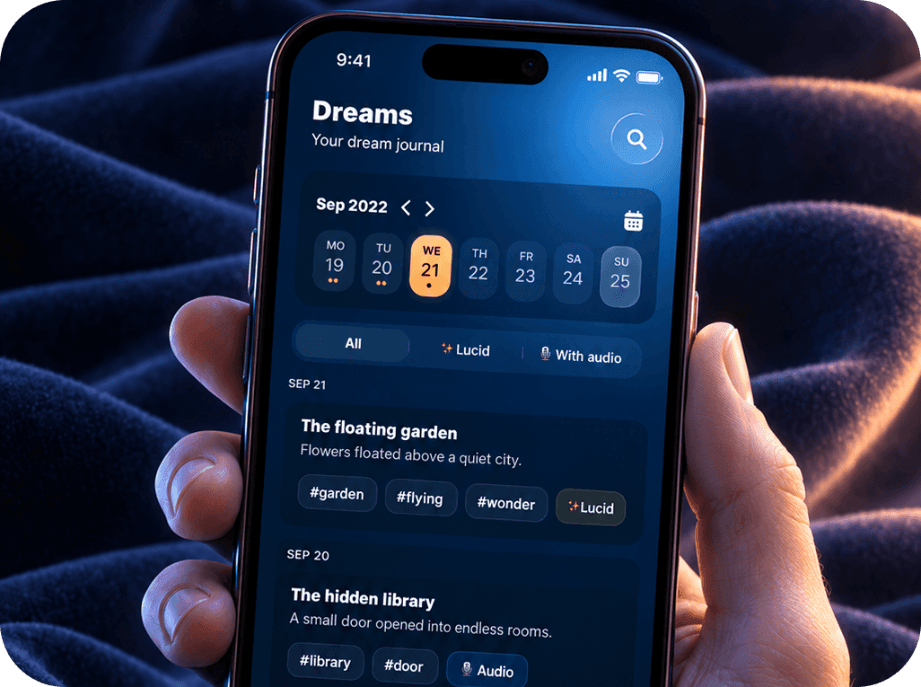
Browse by date or filter your entries to return to the nights that matter.
Collect
Mark a dream as lucid and keep those nights easy to find later.
Your dreams, collected
A strange place. A familiar face. A feeling that stays. Give the details of your dreams a place to live.
Capture
A sentence or a voice note is enough. You don't need a complete story to save it.
Connect
Tag a place, a person or a feeling. Notice what returns as your journal grows.
Revisit
Browse by date or filter your entries to return to the nights that matter.
Collect
Mark a dream as lucid and keep those nights easy to find later.
For your practice
Start small or commit for longer. Web plans are billed securely via Stripe.
Before you begin
Clear expectations before your first night with Lucider.
No experience needed. Start with the dreams you already remember and build the practice at your own pace.
No. WBTB alarms and REM signals are optional — journaling and daytime reality checks can stand on their own.
No app can promise when it will happen. Lucider helps you practise, reflect, and find a rhythm that suits you.
Practice with Lucider

Start with what you remember
Download Lucider and make a little room for the dreams you want to keep.
